
requirements & challenges
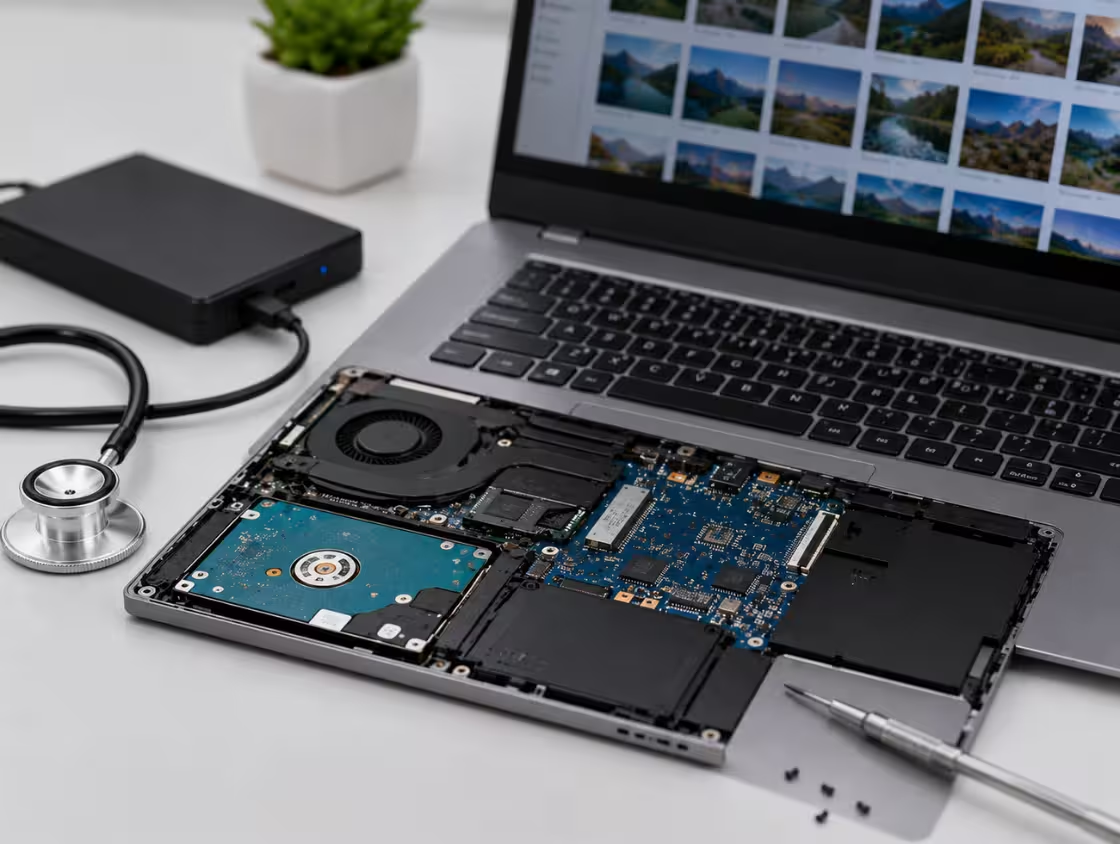
The client required urgent recovery of all project files from a completely dead SSD.
However, the recovery process involved multiple complex challenges.
- SSD not detected in BIOS or external adapters
- Suspected firmware or controller failure
- Critical data including video files and project timelines
- No backup available for ongoing work
- Urgent deadline pressure from multiple clients
Additionally, NVMe SSDs use advanced architecture, making recovery more difficult compared to traditional drives. Accessing raw data without damaging NAND memory required highly specialized tools and expertise.



solutions we provided
Our engineers began with a detailed diagnostic process using professional SSD recovery equipment. The issue was identified as a firmware-level failure affecting the SSD controller.
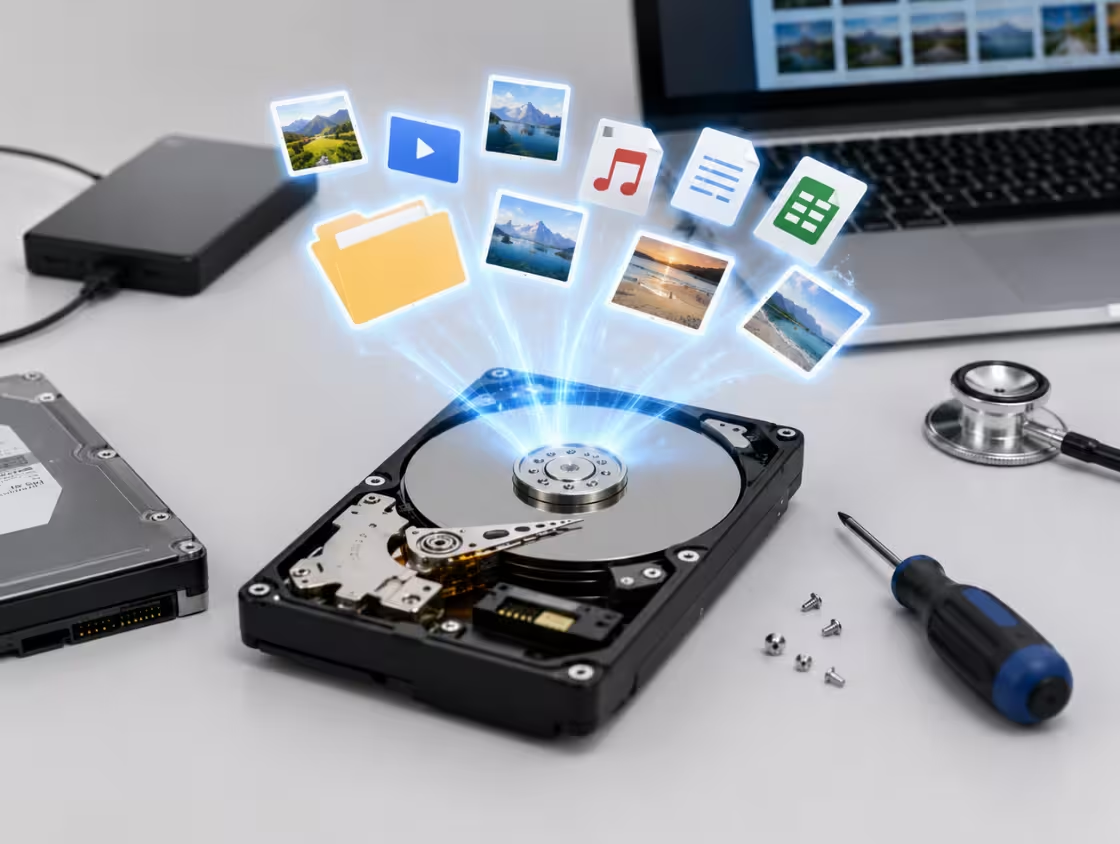
Using advanced techniques, we accessed the NAND memory directly and extracted raw data. The data was then reconstructed using specialized algorithms to rebuild the original file system.
Special care was taken to recover large video files without corruption. All recovered data, including editing projects and media files, was carefully organized and verified.
Frequently Asked Questions About SSD Data Recovery
SSD data recovery time can vary from a few hours to several days depending on the type of failure, the condition of the drive, and the complexity of the recovery process. Solid State Drives (SSDs) use advanced flash memory technology, which makes them faster than traditional hard drives, but recovering lost data from SSDs can sometimes be more complicated.
In simple cases, such as accidental file deletion or minor logical corruption, SSD recovery may take only a few hours. Professional SSD recovery software can often scan the drive quickly and restore deleted files if the data has not been overwritten. However, more severe issues such as firmware corruption, controller failure, or physical damage can significantly increase recovery time.
The size and storage capacity of the SSD also affect the duration of data recovery. Larger SSDs containing terabytes of data naturally require longer scanning and processing times. In addition, encrypted SSDs or drives using advanced security features may require extra steps before recovery can begin.
Another important factor is the TRIM command. Modern SSDs use TRIM technology to permanently erase deleted data blocks in the background to improve performance. If TRIM has already cleared the deleted data, recovery becomes much more difficult and may require advanced professional techniques.
Professional SSD data recovery services typically begin with diagnostics to determine the exact cause of failure. This stage alone may take several hours. If hardware repairs are needed, such as fixing damaged circuits or replacing faulty components, the recovery process may extend to several days.
Emergency or priority SSD recovery services are also available from some data recovery companies for businesses and users who need urgent access to important files. These services may reduce turnaround time but usually cost more.
To improve SSD recovery success and reduce delays, users should stop using the SSD immediately after data loss occurs. Continued use can overwrite recoverable data and lower the chances of successful recovery.
Regular backups remain the best defense against SSD failure and data loss. Cloud storage, external drives, and automated backup systems can help protect valuable files from permanent loss.
Yes, NVMe SSD recovery is possible in many situations, although the process can be more complex compared to traditional hard drives or SATA SSDs. NVMe SSDs are designed for extremely fast performance and are commonly used in modern laptops, gaming systems, and high-performance computers. While they offer excellent speed and reliability, recovering lost data from NVMe SSDs often requires specialized tools and advanced recovery techniques.
Data loss on an NVMe SSD can occur for many reasons, including accidental deletion, formatting, firmware corruption, power failure, controller damage, file system corruption, or physical damage. In many cases, files can still be recovered if the SSD has not suffered severe hardware failure or complete data overwriting.
One major challenge in NVMe SSD data recovery is the TRIM function. TRIM automatically clears deleted data blocks to optimize SSD performance and extend drive lifespan. Once TRIM processes the deleted files, recovering them becomes significantly more difficult. However, if TRIM has not yet erased the data, recovery software or professional services may still be able to restore lost files.
Professional NVMe SSD recovery services use specialized diagnostic equipment to identify controller issues, damaged firmware, and NAND memory problems. Unlike standard hard drives, NVMe SSDs store data differently, requiring highly advanced recovery procedures. In some situations, technicians may need to repair the SSD controller or directly access the NAND flash chips to retrieve the data.
Recovery success also depends on whether the SSD is physically damaged. If the drive is completely dead, not detected, or affected by electrical failure, professional cleanroom recovery services may be required. DIY recovery attempts on damaged NVMe SSDs can sometimes worsen the situation and permanently destroy recoverable data.
To improve the chances of successful NVMe SSD recovery, users should stop using the drive immediately after data loss and avoid reinstalling operating systems or copying new files onto the SSD.
Regular backups are highly recommended because SSD failures can happen suddenly without warning. Cloud backups and external storage solutions help protect important business and personal data from permanent loss.
SSD failure can happen due to several hardware, software, and environmental factors. Although Solid State Drives are generally faster and more reliable than traditional hard drives, they are still vulnerable to data loss and sudden failure. Understanding the common causes of SSD failure can help users protect their important files and extend the lifespan of their storage devices.
One of the most common causes of SSD failure is NAND flash memory wear. SSDs use flash memory cells that have a limited number of write and erase cycles. Over time, constant data writing, deleting, and rewriting gradually wears out these memory cells, eventually leading to performance problems or complete drive failure.
Another major cause is power failure or electrical damage. Sudden power outages, unstable power supply, voltage spikes, or improper shutdowns can corrupt SSD firmware or damage internal components. In some cases, electrical failure may make the SSD completely inaccessible.
Firmware corruption is another common issue. SSD firmware controls how the drive operates and communicates with the computer. Bugs, failed firmware updates, or software conflicts can cause the SSD to malfunction, disappear from the system, or become unreadable.
Excessive heat can also shorten SSD lifespan. Poor ventilation, overheating laptops, or high-performance workloads can stress internal SSD components and damage memory chips over time. Although SSDs generate less heat than traditional hard drives, prolonged exposure to high temperatures can still cause failure.
Physical damage is another possible reason. Dropping a laptop, liquid exposure, motherboard issues, or connector damage can affect SSD functionality. While SSDs have no moving parts, their electronic circuits remain sensitive to physical impact and moisture.
Malware infections, file system corruption, and accidental formatting may also lead to data loss or SSD access problems. In enterprise environments, heavy workloads and continuous read/write operations can accelerate SSD wear.
To reduce the risk of SSD failure, users should maintain regular backups, use surge protectors, monitor SSD health, avoid overheating, and safely shut down their systems. Choosing high-quality SSDs from trusted brands can also improve long-term reliability.
If an SSD fails unexpectedly, professional SSD data recovery services may help recover valuable files before permanent data loss occurs.
Yes, data can sometimes be recovered from a dead SSD, although the recovery process is often more complex than recovering data from traditional hard drives. A dead SSD may stop responding completely, fail to appear in the BIOS, or become undetectable by the operating system. Despite these serious issues, professional SSD data recovery services may still be able to retrieve important files depending on the cause of failure.
Several problems can cause an SSD to become completely dead. Common causes include controller failure, power surge damage, firmware corruption, electrical component failure, overheating, or damaged NAND flash memory chips. In some cases, the SSD may appear dead even though the stored data remains intact internally.
Professional data recovery specialists first perform detailed diagnostics to determine whether the problem is related to hardware, firmware, or logical corruption. If the SSD controller is damaged, technicians may attempt controller repair or use specialized tools to access the NAND memory chips directly.
Recovering data from a dead SSD is challenging because modern SSDs use encryption, TRIM technology, and complex wear-leveling systems. These technologies improve SSD performance but can complicate recovery efforts. If the SSD has severe physical damage or corrupted encryption keys, recovery may become difficult or impossible.
Unlike mechanical hard drives, SSDs often fail suddenly without warning signs. Users may experience sudden system crashes, boot failures, missing files, or complete drive detection failure. Because SSDs have no moving parts, failures are usually electronic or firmware-related rather than mechanical.
Attempting DIY recovery on a dead SSD can increase the risk of permanent data loss. Opening the SSD, applying incorrect repairs, or repeatedly powering the drive on and off may further damage sensitive components. For valuable business files, databases, photos, or personal documents, professional SSD recovery services are strongly recommended.
To maximize recovery chances, users should stop using the SSD immediately after failure and avoid reinstalling software or operating systems. Maintaining regular backups remains the most effective way to protect against sudden SSD failure and permanent data loss.
SSD data recovery is often more difficult than traditional hard drive recovery because of the advanced technologies used in Solid State Drives. While SSDs provide faster speeds, lower power consumption, and better durability, their internal design creates several challenges when recovering lost or deleted data.
One of the biggest reasons SSD recovery is difficult is the TRIM command. TRIM is a feature that automatically removes deleted data blocks to improve SSD performance and lifespan. When files are deleted, the SSD may quickly erase the underlying data in the background, leaving very little recoverable information behind. Traditional hard drives usually retain deleted data longer, making recovery easier.
Another challenge is wear leveling technology. SSDs constantly move data between memory cells to distribute usage evenly across the drive. Although this extends SSD lifespan, it makes locating and rebuilding lost files more complicated during the recovery process.
SSDs also use highly complex controllers and firmware systems. If the SSD controller fails or the firmware becomes corrupted, the drive may stop communicating with the computer entirely. Recovering data from damaged SSD firmware often requires specialized equipment and advanced technical expertise.
Unlike hard disk drives, SSDs store data in NAND flash memory chips. These chips use unique architectures and encryption methods that vary by manufacturer. Some SSDs even include automatic hardware encryption, which can make data recovery nearly impossible if the encryption keys become damaged.
Physical SSD failures can also be extremely challenging. Electrical damage, overheating, liquid exposure, or damaged circuits may prevent the SSD from powering on. In such cases, professional data recovery labs may need to perform chip-level repairs or directly access NAND memory chips to retrieve the data.
DIY SSD recovery attempts can sometimes worsen the situation, especially if users continue using the drive after data loss occurs. Overwriting files or triggering additional TRIM operations may permanently destroy recoverable data.
Because SSD technology continues to evolve rapidly, successful SSD data recovery often requires specialized tools, firmware knowledge, and cleanroom-level expertise. This is why professional SSD recovery services are strongly recommended for critical data loss situations.
Yes, files can sometimes be recovered after SSD formatting, but the success rate depends on several important factors. Unlike traditional hard drives, Solid State Drives use advanced technologies such as TRIM and garbage collection, which can make SSD data recovery more difficult after formatting.
When an SSD is formatted, the operating system removes the file system references that allow users to access stored files. In some situations, especially after a quick format, the data may still physically exist on the SSD for a short time. This creates an opportunity for professional SSD recovery software or data recovery specialists to restore deleted files.
However, modern SSDs use the TRIM command to improve performance and storage efficiency. Once TRIM is activated, the SSD automatically clears deleted data blocks in the background, making recovery significantly harder or even impossible. This is one of the main reasons why SSD data recovery differs from traditional hard drive recovery.
The chances of recovering formatted SSD files are higher if the drive has not been heavily used after formatting. Writing new files to the SSD may overwrite old data and permanently erase recoverable information. For this reason, users should stop using the SSD immediately after accidental formatting occurs.
Professional SSD data recovery services can sometimes recover files from formatted SSDs by accessing the NAND flash memory directly or repairing firmware-related issues. Advanced recovery laboratories use specialized hardware and software tools designed specifically for SSD recovery.
The success of SSD recovery also depends on the type of formatting performed. A quick format generally leaves more recoverable data compared to a full format, which may erase larger portions of stored information.
To improve the chances of successful SSD recovery, users should avoid reinstalling the operating system, avoid saving new files, and avoid running unnecessary recovery attempts that could damage the remaining data.
The best protection against SSD data loss is maintaining regular backups through cloud storage, external drives, or automated backup systems. Backups ensure important files remain secure even if the SSD becomes corrupted or formatted accidentally.