
requirements & challenges
The client reported that the external drive was mistakenly formatted during a system reinstall. After the format, the drive appeared empty, and all folders were missing. The client attempted to recover files using free software, but the recovered images were corrupted and unusable.
- Accidental full format of external hard drive
- Previous recovery attempts caused file corruption
- Mixed file types including RAW, JPEG, and PSD



solutions we provided
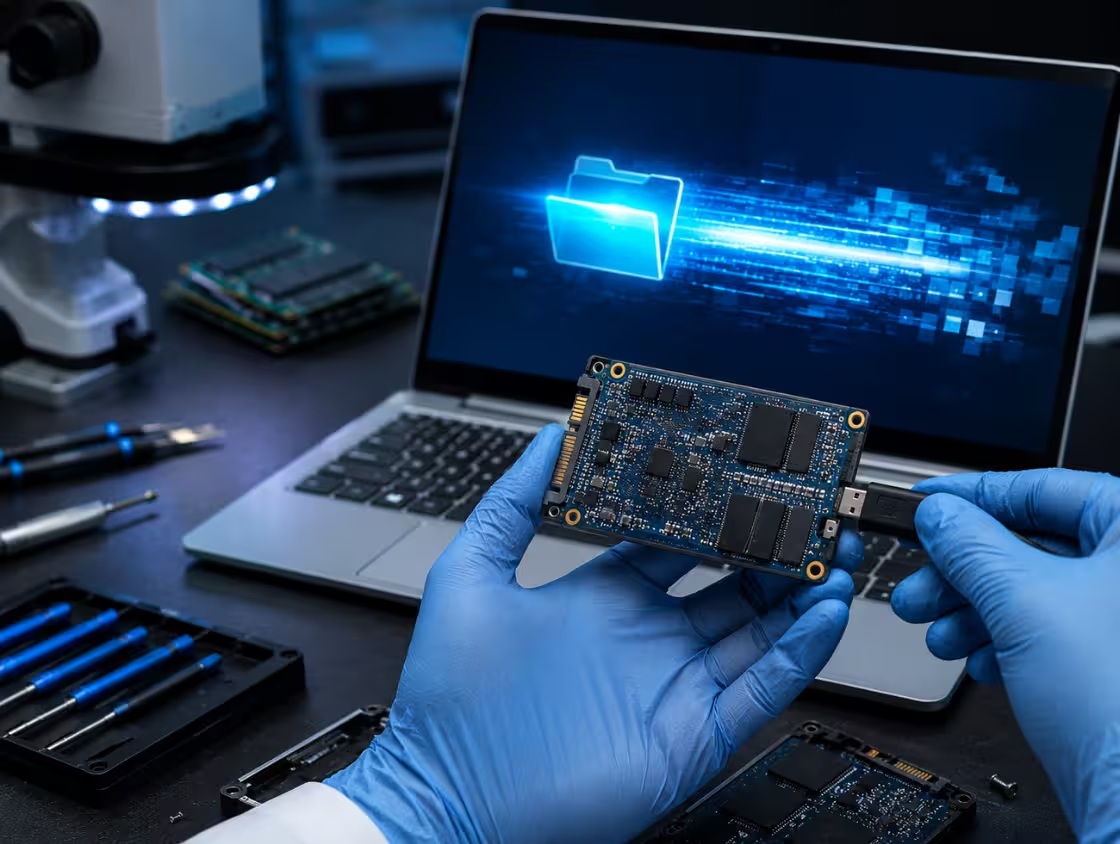
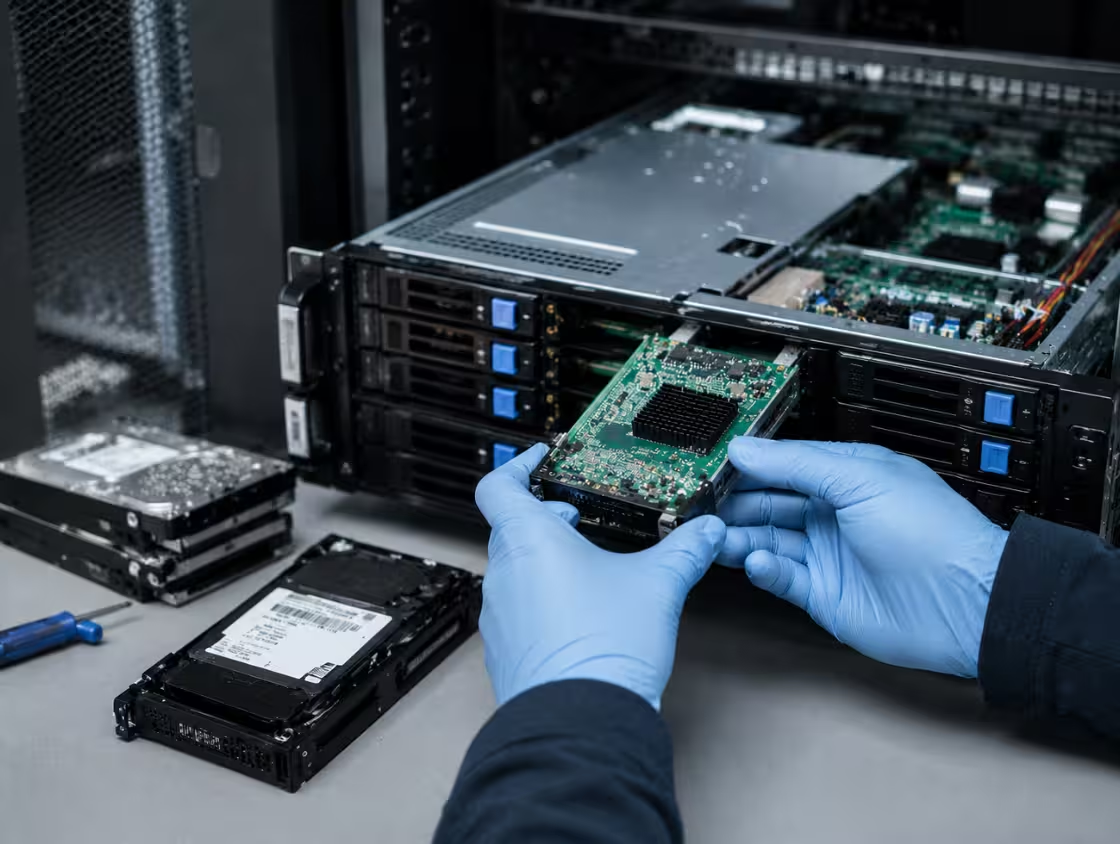
Our engineers first performed a complete sector-level scan of the external hard drive to locate lost file structures. Since the drive was formatted, we focused on rebuilding the original partition and file system. Using professional recovery tools, we reconstructed the directory structure and recovered the original image files. Special attention was given to RAW and PSD files to ensure they were fully intact and usable.
After recovery, all photos and project folders were verified and organized. The data was securely transferred to a new external storage device and delivered to the client.
Frequently Asked Questions About USB Drive Recovery
Yes, a broken or snapped USB connector is one of the most common physical failures we see, and in nearly all cases, the data is 100% recoverable. The USB connector—the metal rectangular plug that slides into your computer—is simply a bridge between your PC and the internal printed circuit board (PCB) where your data lives. When this bridge breaks, the data isn’t “gone”; the path to get to it is just severed.
The repair process for data recovery is different from a permanent fix. Because the structural integrity of the drive is compromised, we do not recommend trying to “glue” or “tape” the connector back on. Instead, professional recovery involves precision micro-soldering. A technician will examine the PCB under a high-powered microscope to identify the four or five “pads” (connection points) where the USB plug was originally attached. If the pads are still intact, a new connector or a specialized USB tail can be soldered directly to the board to restore the electrical circuit.
However, if the connector was ripped off with significant force, it often takes the copper “traces” (the tiny wires inside the board) with it. This is known as a lifted pad. In these instances, a simple solder job won’t work. A recovery specialist must perform “trace reconstruction,” using hair-thin copper wire to bypass the broken paths and jump the connection directly to the components further down the circuit.
It is critical to avoid the “DIY wiggle.” Many users try to hold the broken connector at a specific angle to get a connection light. This is extremely dangerous; if the broken pins touch each other while the drive is powered, it can cause an electrical short that travels directly to the NAND memory chip, instantly frying your data. If your connector is loose, wobbly, or completely detached, the safest path is to keep it powered off and seek professional micro-soldering services to ensure a safe, one-time transfer of your files.
USB data recovery can take anywhere from a few minutes to several days, depending on the cause of data loss and the condition of the USB drive. In most cases, simple file recovery from accidentally deleted files may only take 10 minutes to a few hours using professional recovery software. However, physically damaged or corrupted USB drives usually require more advanced recovery methods, which can significantly increase the recovery time.
Several factors affect how long USB flash drive recovery takes. The first factor is the type of damage. Logical issues, such as accidental deletion, formatting, or file corruption, are generally faster to recover than physical damage caused by water, heat, or broken connectors. The second factor is the storage size of the USB device. Larger USB drives with more files naturally require more scanning and processing time.
Another important factor is whether you choose DIY USB recovery software or professional data recovery services. Software-based recovery can often provide immediate results if the drive is still detectable by your computer. On the other hand, professional USB data recovery labs may take 24 hours to several days because technicians need to diagnose the device, repair hardware issues, and safely extract the data.
To improve recovery speed and success rates, stop using the USB drive immediately after data loss. Continuing to use the device may overwrite recoverable files and make recovery more difficult.
If your USB drive is not recognized, makes unusual noises, or has physical damage, it is best to contact a professional data recovery service as soon as possible. Fast action can increase the chances of successful file recovery and reduce overall recovery time.
USB flash drive failure can happen for several reasons, ranging from physical damage to software corruption. Understanding the common causes of USB drive failure can help users protect important files and extend the lifespan of their storage devices.
One of the most common causes is physical damage. USB flash drives are small and portable, making them vulnerable to bending, dropping, water exposure, heat damage, and broken connectors. Even minor physical damage can prevent the computer from recognizing the device or accessing stored data.
Another major reason for USB flash drive failure is improper removal. Disconnecting a USB drive without safely ejecting it can interrupt data transfer processes and corrupt the file system. Over time, repeated improper removal may lead to data corruption or complete USB drive malfunction.
Virus and malware infections can also damage USB storage devices. Malicious software may corrupt files, hide folders, or make the USB drive inaccessible. This is especially common when the flash drive is used on multiple public or unsecured computers.
In addition, flash memory wear and tear naturally occurs over time. USB drives use NAND flash memory, which has a limited number of read and write cycles. Frequent file transfers and constant rewriting can eventually wear out the memory cells, leading to performance issues or total failure.
Other common causes include power surges, corrupted firmware, manufacturing defects, and file system errors. In some cases, sudden computer shutdowns or unstable USB ports may also damage the drive.
To reduce the risk of USB flash drive failure, users should safely eject the device, avoid physical stress, regularly back up important files, and use antivirus protection. Choosing high-quality USB flash drives from trusted brands can also improve reliability and lifespan.
If a USB drive becomes unreadable or stops working, professional USB data recovery services may help recover lost files before permanent damage occurs.
Yes, data can often be recovered from a corrupted USB drive, depending on the level of corruption and whether the files have been overwritten or physically damaged. A corrupted USB flash drive may become inaccessible, display error messages, or fail to open properly, but the stored data is not always permanently lost.
USB drive corruption usually happens because of improper removal, virus attacks, sudden power failures, interrupted file transfers, or file system errors. In many cases, the operating system may show messages such as “USB drive needs to be formatted” or “USB device not recognized.” Although these errors can be alarming, professional USB data recovery methods can often restore important files.
The first step in corrupted USB drive recovery is to stop using the device immediately. Continuing to use the USB drive may overwrite recoverable data and reduce the chances of successful recovery. Reliable USB recovery software can scan the corrupted drive and recover deleted, inaccessible, or damaged files, including photos, videos, documents, and audio files.
However, if the USB drive has severe corruption or physical damage, software alone may not work. In such situations, professional data recovery services may be required. Recovery experts use specialized tools and cleanroom techniques to repair damaged USB components and safely extract the stored data.
The success rate of USB data recovery depends on factors such as the extent of corruption, physical condition of the drive, and how quickly recovery is attempted. Quick action greatly improves the chances of recovering important files.
To avoid USB drive corruption in the future, users should safely eject devices, avoid sudden disconnections, use antivirus software, and maintain regular backups of important data. Choosing high-quality USB flash drives from trusted brands can also reduce the risk of corruption and data loss.
If your corrupted USB drive contains valuable data, contact PCPrompt USB data recovery specialist as soon as possible is the safest option.
A USB drive not being detected is a common problem that can occur due to hardware issues, file system corruption, driver errors, or physical damage. When a computer fails to recognize a USB flash drive, users may lose access to important files, documents, photos, or videos stored on the device.
One of the most common causes is a damaged USB port or connector. If the USB port is loose, dirty, or malfunctioning, the computer may not establish a proper connection with the flash drive. Trying the USB drive on another port or computer can help identify whether the issue is with the device or the system itself.
Another major reason is corrupted file systems or partition errors. Improper ejection, sudden power loss, virus attacks, or interrupted file transfers can corrupt the USB drive, making it unreadable. In such cases, the system may display messages like “USB device not recognized” or ask to format the drive before use.
Outdated or corrupted USB drivers can also prevent detection. Sometimes the operating system fails to load the correct drivers needed to communicate with the USB storage device. Updating or reinstalling USB drivers through Device Manager may solve the problem.
In some situations, the USB flash drive may suffer from physical or internal hardware failure. Excessive heat, water damage, accidental drops, or worn-out NAND memory chips can permanently damage the device. If the USB drive is physically damaged, professional USB data recovery services may be required.
Malware infections and power supply issues can also affect USB drive functionality. Viruses may hide files or corrupt the drive, while unstable power from faulty USB hubs can interrupt proper operation.
To prevent USB detection problems, safely eject the device, avoid physical damage, use antivirus protection, and regularly back up important data. If your USB drive is still not detected after troubleshooting, professional USB repair and data recovery experts may help recover lost files.
Yes, formatted pen drive data can often be recovered, especially if the data has not been overwritten after formatting. When a USB pen drive is formatted, the files are usually not permanently erased immediately. Instead, the operating system removes file references and marks the storage space as available for new data. This means professional USB data recovery software or data recovery services may still be able to restore lost files.
The success of pen drive data recovery depends on several factors. One of the most important factors is the type of formatting performed. A quick format typically removes the file directory without fully erasing the stored data, making recovery easier. In contrast, a full format may overwrite parts of the data, reducing the chances of successful recovery.
Another important factor is how the pen drive is used after formatting. If new files are copied to the USB drive, the old data may become overwritten and permanently lost. For this reason, users should stop using the formatted pen drive immediately after accidental formatting occurs.
There are many reliable USB recovery tools available that can scan the pen drive and recover deleted or formatted files, including photos, videos, documents, and other important data. However, if the USB drive has physical damage, corruption, or is not recognized by the computer, professional data recovery services may be required.
To improve recovery chances, avoid repeated formatting attempts and do not install recovery software directly onto the affected pen drive. Always use a separate storage device to save recovered files.
Regular backups remain the best protection against accidental data loss. Cloud storage and external backups can help prevent permanent file loss in the future.
If your formatted pen drive contains valuable or sensitive files, contacting a professional USB data recovery expert quickly can significantly improve the chances of successful recovery.